
Download Mozilla Firefox Beta – Free Secure Open‑Source Browser
Overview
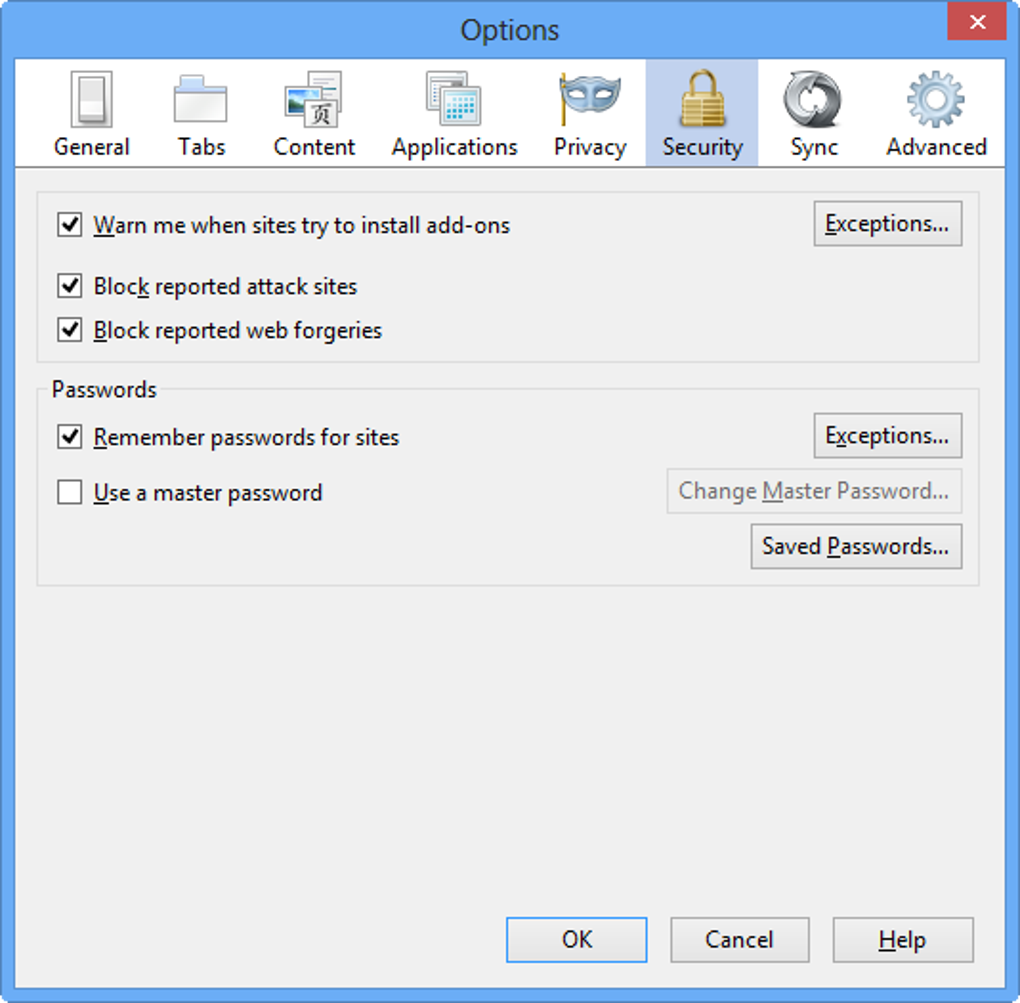
Mozilla Firefox Beta puts you at the forefront of web‑technology innovation while preserving the core values that have made Firefox a favorite among privacy‑conscious users. As a free, open‑source web browser, the Beta channel delivers every feature found in the stable release—robust tracking protection, a built‑in password manager, and extensive customizability—plus early access to experimental tools that haven’t yet made it to the mainstream build. Because it is built on the same secure foundation as the regular Firefox, you benefit from industry‑standard safeguards such as Lockwise breach alerts, two‑step authentication prompts, and strict sandboxing of web content.
The Beta version is deliberately released a few weeks ahead of the stable channel, giving power users, developers, and curious explorers a chance to test new UI tweaks, performance improvements, and experimental APIs before anyone else. While “beta” often carries the stigma of instability, Mozilla’s rigorous testing pipeline ensures that most releases are only marginally less stable than the final product. This balance of cutting‑edge features and reliable security makes Firefox Beta an ideal choice for anyone who enjoys tinkering with the latest web standards, wants to shape the future of the browser ecosystem, or simply prefers an open‑source solution that respects user data.
The download process is straightforward, the installation works across almost every modern operating system, and the community‑driven add‑on marketplace means you can extend functionality without ever leaving the browser.
Key Features
- Enhanced Tracking Protection with automatic cookie blocking
- Built‑in Password Manager (Lockwise) with breach alerts
- Customizable UI via themes, skins, and toolbar rearrangement
- Extensive Add‑on ecosystem, including privacy‑focused extensions
- Support for emerging web standards like WebXR and HTTP/3
- Integrated Screenshot tool and Pocket save‑for‑later service
- Multi‑process architecture for improved stability and performance
- Sync across Windows, macOS, Linux, Android, and iOS devices
- Developer tools with support for CSS Grid, Flexbox, and JavaScript debugging
- Regular beta updates that introduce experimental features early
Beyond the obvious list of capabilities, Firefox Beta distinguishes itself with a philosophy of openness and community participation. Every new feature lands first in the Beta channel, where real‑world users can provide feedback directly to Mozilla’s engineers through Bugzilla and the Firefox Community Forum. This feedback loop accelerates bug fixes and helps prioritize enhancements that matter most to the audience.
For developers, the Extension Workshop offers a sandboxed environment to create, test, and publish add‑ons, turning the browser into a living platform for innovation. Security remains a top priority; the beta inherits the same encryption standards, sandboxing, and anti‑phishing mechanisms as the stable release, ensuring that even experimental code runs within a tightly controlled environment. Users also benefit from the “Containers” feature, which isolates cookies and site data per tab, reducing cross‑site tracking without the need for third‑party extensions.
Finally, the new “Tab Group” UI introduced in recent beta builds allows users to organize windows into logical clusters, improving workflow for power users who juggle many projects at once. All these features combine to make Firefox Beta not just a test version, but a fully functional, secure, and highly customizable web browsing experience.
Installation, Usage & Compatibility
Getting started with Firefox Beta is intentionally simple. Visit the official Mozilla website, locate the “Firefox Beta” download button, and select the appropriate installer for your platform. For Windows users, the .exe installer runs a typical wizard that asks for installation path and optional desktop shortcut creation. macOS users receive a .dmg file that can be dragged into the Applications folder, while Linux enthusiasts can choose a .tar.bz2 archive or install via popular package managers such as Snap or Flatpak with a single command (`snap install firefox-beta`).
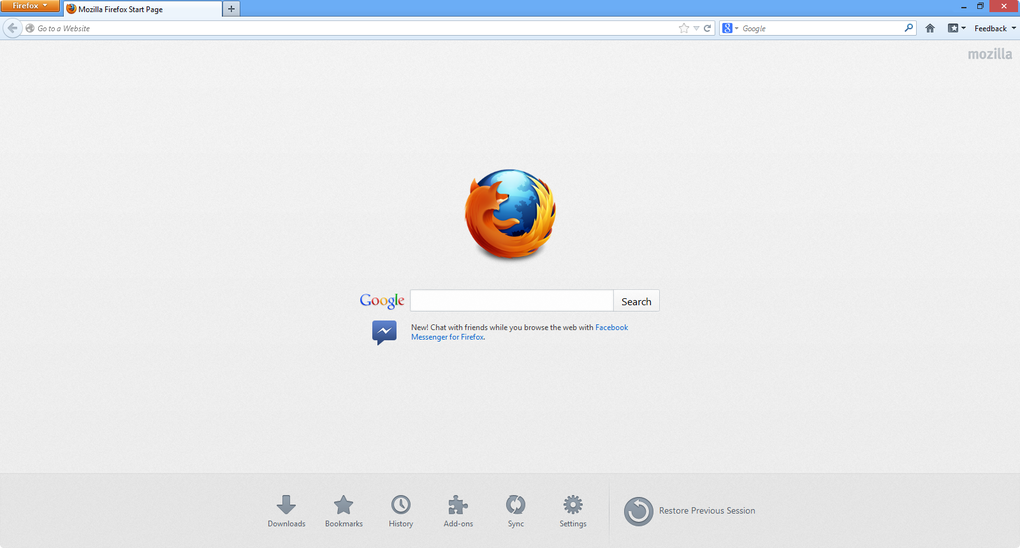
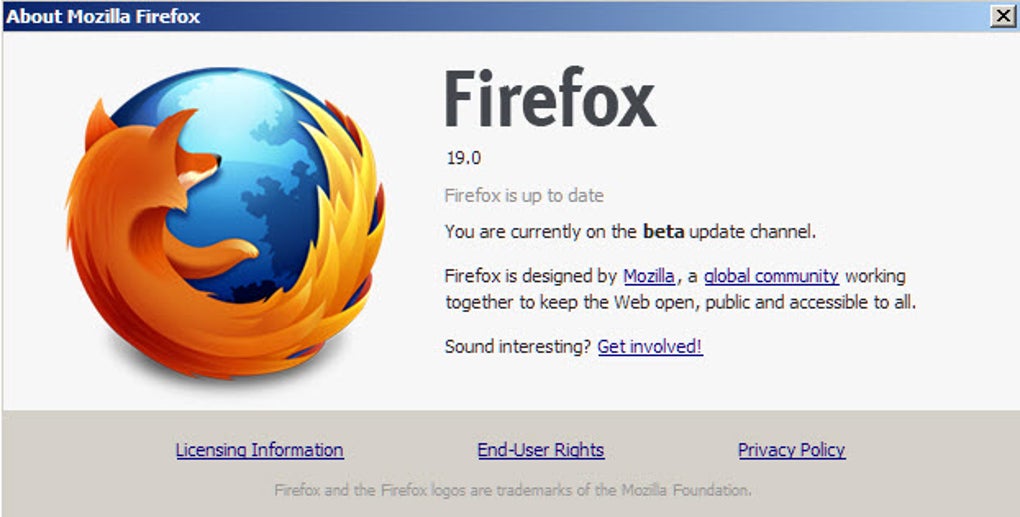
Mobile users on Android can download the APK directly from Mozilla’s site, and iOS users can obtain the beta through the Apple TestFlight program after joining the public beta invitation. Once installed, the first launch presents a familiar Firefox UI with a subtle “Beta” badge in the title bar. The browser automatically imports bookmarks, passwords, and extensions from any existing Firefox profile, ensuring a seamless transition.
Users can then explore the new features by navigating to about:config for advanced settings, or by visiting about:beta to read detailed release notes for the current build.
Firefox Beta is compatible with the following operating systems: Windows 10 and later, macOS 10.14 (Mojave) and newer, major Linux distributions (Ubuntu, Fedora, Debian, openSUSE), Android 8.0+ and iOS 13+. The browser also supports ARM‑based devices, making it a viable choice for modern laptops and tablets that run on Apple Silicon or Qualcomm processors. System requirements are modest: at least 2 GB of RAM, 200 MB of free disk space, and a graphics card that supports OpenGL 2.0 or higher.
Because the beta receives frequent updates—often weekly—users should enable automatic updates to stay current with the latest security patches and feature rollouts. For power users who prefer manual control, the “Preferences” menu includes an option to disable automatic updates and instead receive a notification when a new build is available. In practice, the installation experience mirrors that of the stable channel, with the added excitement of testing unreleased functionality as soon as it lands in the beta pipeline.
Pros and Cons
- Pros
- Early access to cutting‑edge web technologies and UI improvements.
- Open‑source codebase encourages community contributions and transparency.
- Robust privacy suite identical to stable Firefox (tracking protection, password breach alerts).
- Highly customizable through themes, containers, and a vast add‑on marketplace.
- Cross‑platform support including Windows, macOS, Linux, Android, and iOS.
- Frequent updates keep security patches current.
- Cons
- Potential instability: occasional crashes or rendering glitches compared to the stable release.
- Performance may be slower on older hardware due to experimental features.
- Some extensions may not be fully compatible with the beta build.
- Beta notes and change logs can be dense for non‑technical users.
- Frequent updates may require more frequent restarts or re‑configuration.
Frequently Asked Questions
Is Firefox Beta safe to use for daily browsing?
Yes. Although it is a pre‑release version, Firefox Beta inherits the same security architecture as the stable browser, including sandboxing, anti‑phishing filters, and Lockwise breach alerts. The beta is continuously patched, so it remains safe for everyday tasks, but users should back up important data in case of occasional crashes.
How do I switch back to the stable Firefox version?
Uninstall the beta from your system (your profile data is stored separately) and then download the stable release from Mozilla’s main download page. Your bookmarks, passwords, and extensions will be automatically imported when you launch the stable version.
Can I install Firefox Beta alongside the regular Firefox?
Yes. The beta uses a distinct installation folder and profile directory, allowing you to run both browsers side‑by‑side. This is useful for testing new features without affecting your primary browsing environment.
What new features are typically introduced in the beta?
Recent beta builds have added a revamped tab‑grouping system, DNS‑over‑HTTPS defaults, support for importing Edge (Edgium) profiles, and experimental WebXR APIs for augmented‑reality content. The beta also serves as a proving ground for UI tweaks like compact navigation bars and enhanced screenshot tools.
How often does Firefox Beta receive updates?
Mozilla typically releases a new Firefox Beta build every 1–2 weeks. Each update may contain bug fixes, security patches, and new experimental features. Users can enable automatic updates to stay current without manual intervention.
Conclusion & Call to Action
Mozilla Firefox Beta offers a compelling blend of security, customizability, and early‑access innovation that appeals to power users, developers, and anyone who enjoys shaping the future of the web. While the occasional glitch is an inherent trade‑off for being on the cutting edge, the frequent updates and strong community support mitigate most concerns. If you value open‑source transparency, want to experiment with new web standards, or simply crave a more personalized browsing experience, downloading Firefox Beta is a low‑risk, high‑reward move. Ready to explore the next generation of web browsing? Download Firefox Beta now and start testing tomorrow’s features today.







